When storms, wildfires or floods knock out power and cell networks, a ready to go Starlink kit can restore communications quickly for families, response teams and field operations. The key is having everything packed, charged and tested before you need it. This checklist draws on gear from our Disaster Response collection.
1. The dish
The Starlink Mini is the natural choice for a go kit thanks to its small size, built in router and low power draw. Larger teams with a vehicle or generator may prefer a Standard dish for its larger antenna. Make sure the dish is activated on a suitable plan before an emergency, not during one.
2. Power, with backups
- A primary battery such as the 166Wh Battery Pack or 189Wh Power Station.
- A vehicle 12V option, such as a car adapter with step up converter.
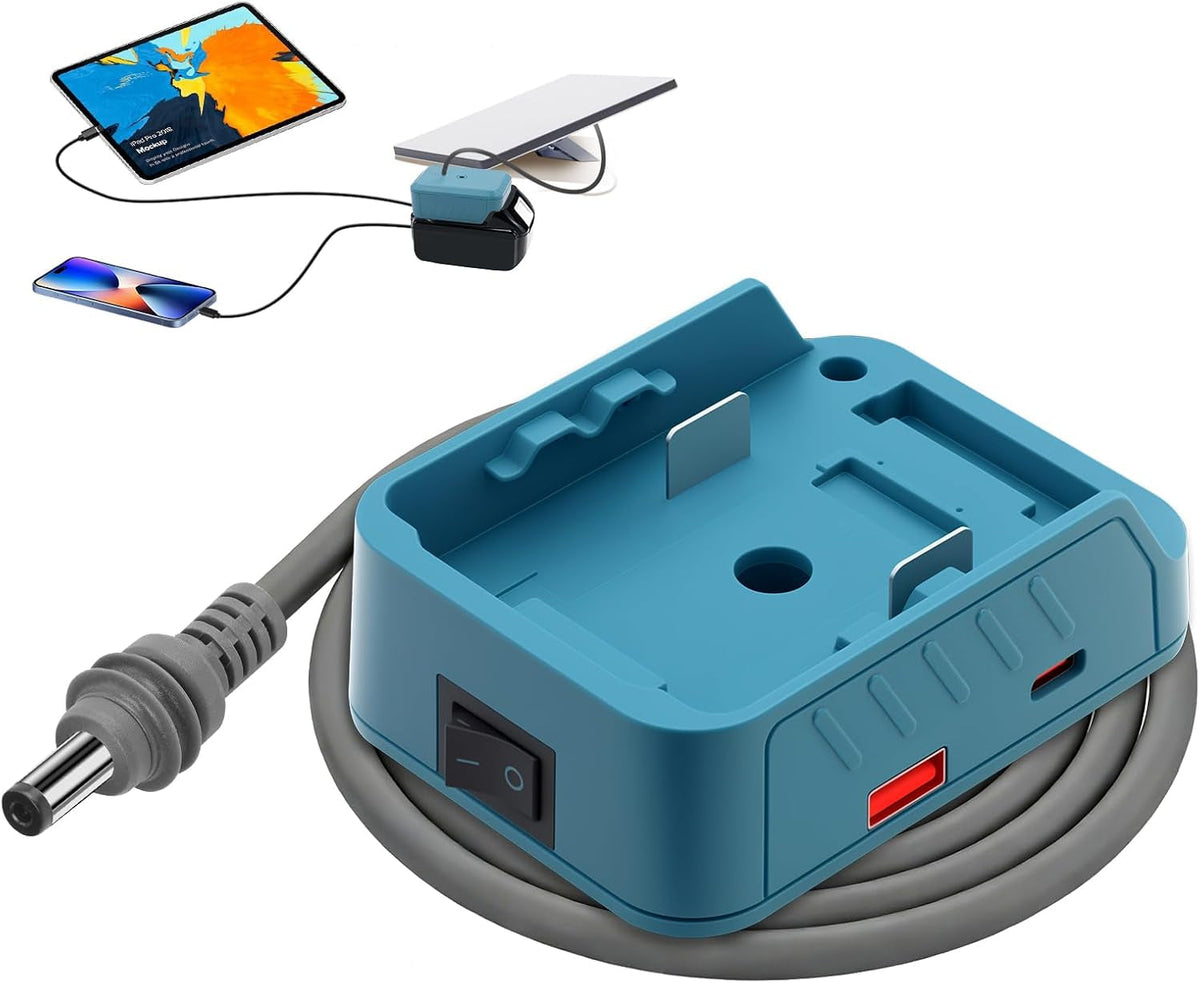
- A power tool battery adapter if your team already carries cordless tools.
- The standard mains power supply for when grid or generator power is available.
3. A fast mount
In the field you need to get the dish up quickly with a clear view of the sky. A tripod with ground stakes works almost anywhere, and a clamp mount lets you use fences, rails and vehicle racks.
4. Protection and organization
A waterproof hard case with foam protects the dish and keeps cables and adapters together, so nothing is missing when you deploy. A cable reel prevents tangles.
5. Networking extras
- An ethernet adapter for wired laptops or a local switch.
- A longer DC or dish cable so the dish can sit in the open while equipment stays under cover.
6. Test it on a schedule
- Deploy the full kit every month or quarter and run a speed test.
- Keep batteries charged to manufacturer guidance and rotate them.
- Check the Starlink app is installed and logged in on team devices.
- Keep a printed setup card in the case.
For agency, municipal or bulk kit enquiries, contact the Low Orbit Supply team and we will help you spec a kit for your needs.
Starlink is a trademark of SpaceX. Low Orbit Supply is an independent retailer and is not affiliated with or endorsed by SpaceX. Always follow Starlink's own installation and safety guidance and your Starlink plan terms.